
Reference

q800f App for Android and iOS

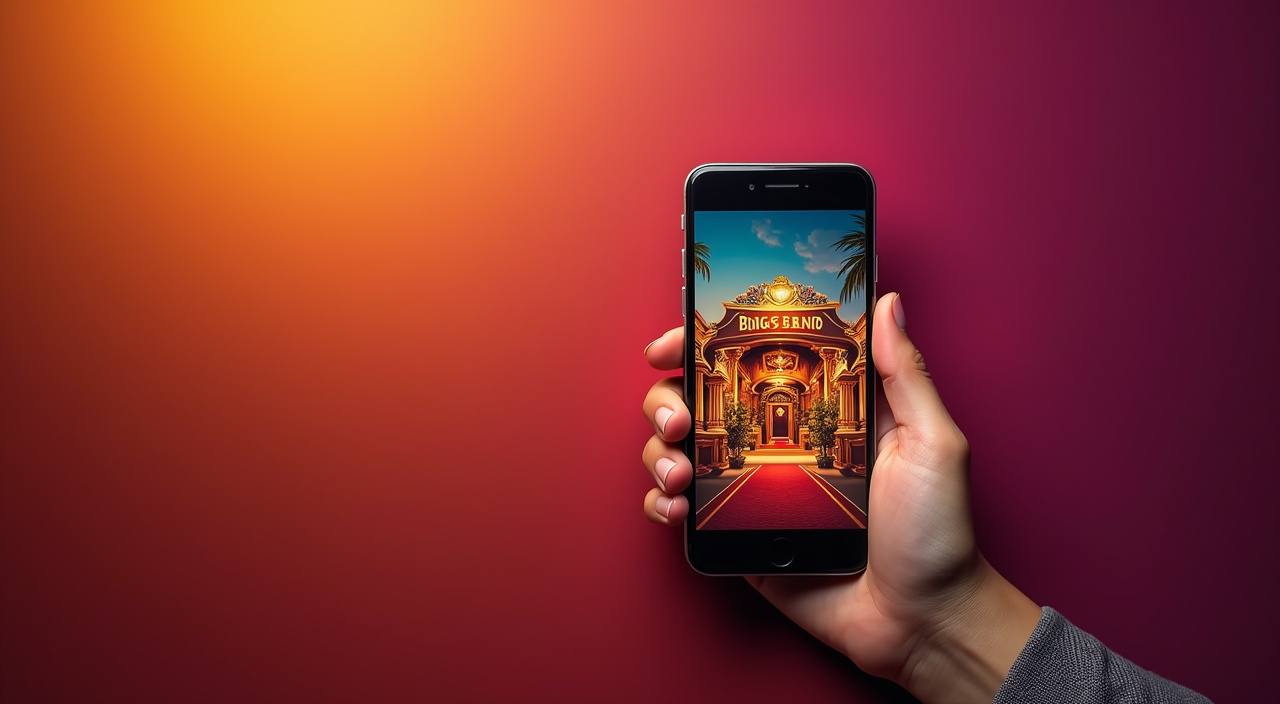
The q800f app brings live Baccarat tables, Bollywood Slots, Aviator, and our full sportsbook into a single mobile screen — no browser tab juggling, no page reloads.

AndroidiOSAPK 30MBPush AlertsFingerprint Login
q800f q800f App for Android and iOS
q800f Live Tables and Slots in Your Pocket

Live Tables and Slots in Your Pocket

Once you install the q800f app, your live Baccarat room, Football Strike betslip, and Crash Game lobby are all one tap away. The app sends push alerts when a round you follow is about to close, so you never miss a market. Quick-deposit from UPI, Paytm, or PhonePe sits inside the app wallet, and fingerprint or face-unlock gets you back into your

account without typing a password every time.

APP FEATURE SNAPSHOT

Six Things the App Does Better

These are the app-specific features that make switching from the mobile browser worth it — from how fast the lobby loads to how you secure your account on a shared device.

01
Biometric Login Fingerprint and face-unlock work on every supported Android and iOS device. You skip the password screen entirely, which saves time and keeps your account safer on a shared handset.
02
Dark Mode The app ships with a dark-mode toggle in Settings. It reduces glare during night sessions on live Baccarat or Mahjong Ways and is easier on battery on OLED screens.
03
Push Notifications Opt in to alerts for your favourite game rooms. The app pings you when a Bingo round starts or when your Football Strike bet settles, so you stay informed without sitting in the lobby.
04
Offline Lobby Preview Even without a data connection, the app displays your recent game history and saved slot favourites from cache. You can plan your next session before you reach Wi-Fi.
05
Quick Deposit Widget A floating wallet icon inside the app lets you top up via UPI or PhonePe without navigating away from a live table. Deposits via UPI usually clear in under a minute.
06
Fast Lobby Load The app pre-loads the lobby thumbnail grid while the live stream buffers. You see which Baccarat seats are open and which slots are in a feature round before the video starts.
q800f Get the App Running in 3 Steps

Get the App Running in 3 Steps

Installing the q800f Android APK takes under three minutes on most handsets. iOS download happens through the standard App Store flow where available. Follow the steps below and your account will be live before your next commute.

  • Download the APK or iOS Build — Tap the download link on this page. Android users get the APK file (30MB); iOS users are redirected to the App Store listing available in supported regions.
  • Allow Install from Unknown Sources — On Android, go to Settings › Security › Install Unknown Apps and allow your browser or file manager to proceed. This is a one-time step; you can turn it off after installation.
  • Open the APK and Install — Tap the downloaded file and hit Install. The process takes about 20 seconds. No account is needed to install — you log in or create your account after the app opens.
  • Sign In or Open Your Account — Launch the app, enter your credentials, or tap the new-account option. Enable biometric login when prompted so future sessions start in under two seconds.
DEVICE REQUIREMENTS

Does Your Phone Support the q800f App?

Check the minimum specs below before downloading. Most Android phones from 2019 onwards and iPhones running iOS 14 or later will run the app without issues.

Auto-refresh hourly
q800f Android Version

Android Version

92%

Android 8.0 (Oreo) or higher. Android 10+ is recommended for smoother live-stream rendering and biometric unlock…

q800f iOS Version

iOS Version

97%

iOS 14 or later. iPhone 8 and newer handle live Baccarat streams without frame drops; older…

q800f RAM

RAM

96%

Minimum 2GB RAM. 4GB or more is recommended when running live dealer tables alongside the in-app…

q800f Storage

Storage

95%

35MB free storage for the base APK. Cache for offline lobby preview builds up to around…

q800f Supported Regions

Supported Regions

94%

Available where local law permits. India access depends on applicable local regulation in your state.

RTP percentages are informational reference values from provider documentation. Actual session outcomes vary.

INSIDE THE APP SCREENS

A Tour of What You See After You Open the App

The q800f app is laid out so that the game you want is never more than two taps away.

q800f mobile gaming
Live lobby preview
Quick bet slip
Account wallet access
Slot favourites shelf
Sportsbook markets
Push alert centre
APP HELP CHANNELS

Stuck on the App? We Have Three Ways to Help

If the app will not install, a live table freezes, or you need to recover account access after changing your phone, our support team is reachable…

In-App Support Chat Tap Help in the app's bottom menu to open a live chat session.
Email Support Write to our support address from the email linked to your q800f account.
Install Troubleshooting Page The app's Help menu links to a step-by-step install page covering Unknown Sources errors…
APP SECURITY SIGNALS

How We Keep the App and Your Account Safe

Every build of the q800f app is code-signed before it is published. That means the APK you download from our page carries a cryptographic signature that Android checks at install time —…

Code-Signed APK

Each Android release is signed with our private certificate. If the signature does not match, Android refuses the install. Download only from q800f.net to ensure the signature is valid.

No Third-Party Stores

We publish exclusively through q800f.net for Android and the App Store for iOS. Any APK on an external mirror is not from us and may carry modified code.

Biometric Account Recovery

If you change phones, the app guides you through re-linking biometrics to your existing account via a one-time SMS verification — no password reset email chain needed.

Session Timeout

The app logs itself out after 30 minutes of inactivity. When you return, biometric unlock re-authenticates you instantly without exposing your full credentials on the unlock screen.

Encrypted Data in Transit

All traffic between the app and our servers uses TLS. Live stream data, bet submissions, and wallet transactions travel over the same encrypted channel — on mobile data or Wi-Fi.

Account-Activity Log

Inside Settings › Security, you can see every device login, including the timestamp and OS version. If you spot an unfamiliar session, you can force a sign-out across all devices instantly.

APP VERSUS MOBILE BROWSER

Why the App Beats the Mobile Browser

The mobile browser version of q800f works, but the app is built around the way India's mobile network actually behaves — variable data speeds, background switching between apps, and the need to…

01

Login Speed

The app re-authenticates with biometrics in under two seconds. The mobile browser asks for your full password every session, which takes longer and is less convenient on a touchscreen keyboard.

02

Push Notifications

The app sends push alerts when a round closes or your bet settles. The mobile browser cannot send alerts when you are not actively on the page, so you rely on manually checking.

03

Offline Lobby Preview

The app caches your lobby thumbnails and recent game history locally. The mobile browser shows a blank screen with no data connection, which happens often on India mobile networks.

04

Live Stream Stability

The app uses an adaptive bitrate player tuned for mobile connections. Mobile browsers depend on the device's default video renderer, which can stutter during network handoffs between 4G and 5G.

05

Quick Deposit

The in-app wallet widget opens over the game screen without a page reload. On mobile browser, depositing takes you to a separate tab and loses your table seat in some live rooms.

06

Storage and Updates

The app updates silently in the background. The mobile browser always loads the latest code from the server but cannot cache game assets the same way, so cold-load times are longer on slow connections.

Frequently Asked Questions About the q800f App

These are the questions we hear most from people downloading and setting up the q800f app for the first time in India.

Download the Android APK directly from q800f.net on this page. iOS users can find the app in the App Store where available. Do not download from third-party APK mirror sites — those builds are not from us and may be modified.

Yes, the app itself has no download or installation charge. You will need an account to access the live casino rooms, slots like Gates of Olympus, and the sportsbook once the app is installed.

Android blocks APK files not from the Play Store by default. Go to Settings › Security › Install Unknown Apps, allow your browser, then install. You can disable the permission again after the app is on your device.

Yes. The in-app wallet supports UPI, Paytm, and PhonePe. Tap the wallet icon during any session to add funds without leaving your live table. UPI deposits typically clear in under a minute.

First check that your Android version is 8.0 or higher and that you have at least 35MB of free storage. Restart the device and try again. If the issue continues, contact us via in-app chat or email support with your device model and OS version.

Install the app on your new device and log in with your existing credentials. The app will prompt you to re-link biometrics via a one-time SMS code sent to your registered mobile number. No data is lost in the process.

Access depends on local law in your state. Where local law permits, you can download and use the app fully. Check the eligibility terms on q800f.net relevant to your location before creating or accessing your account.